XStreamingDesktop
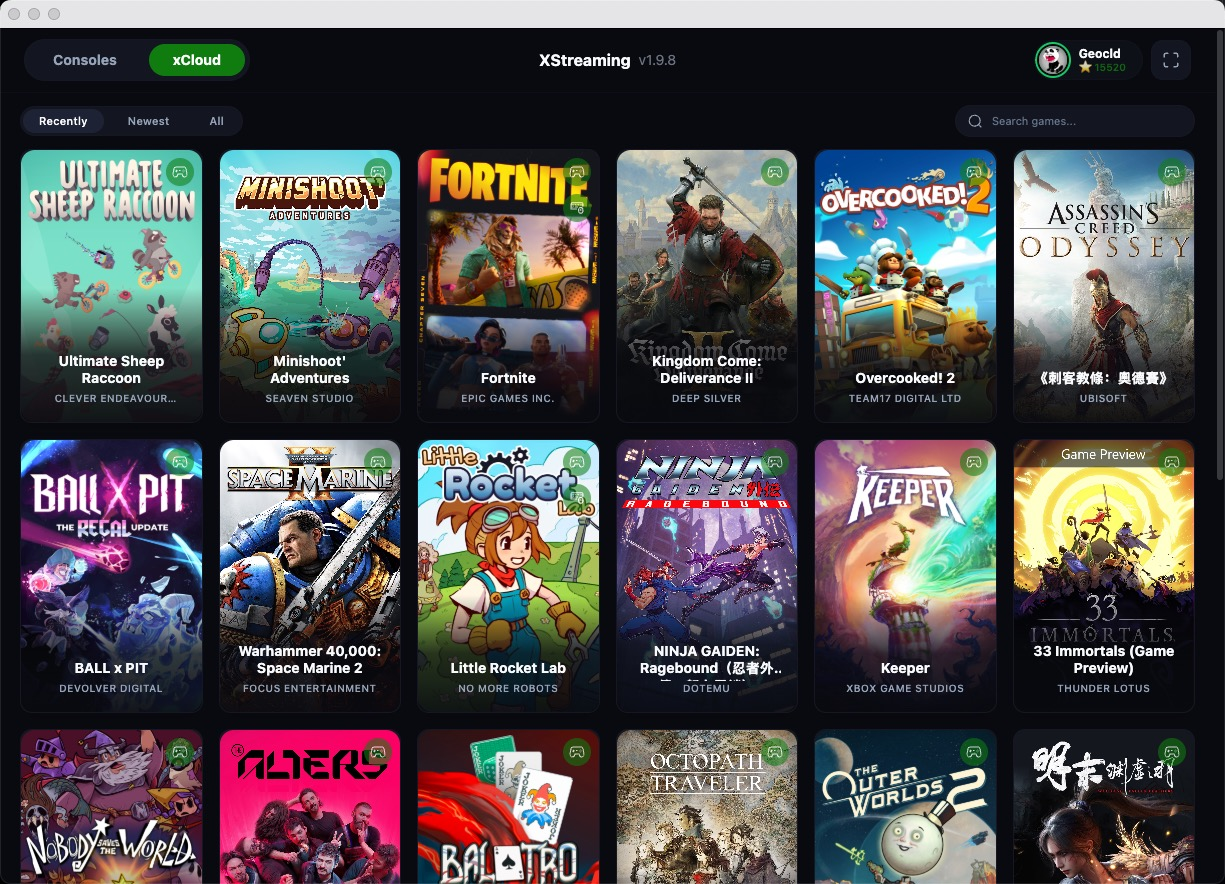
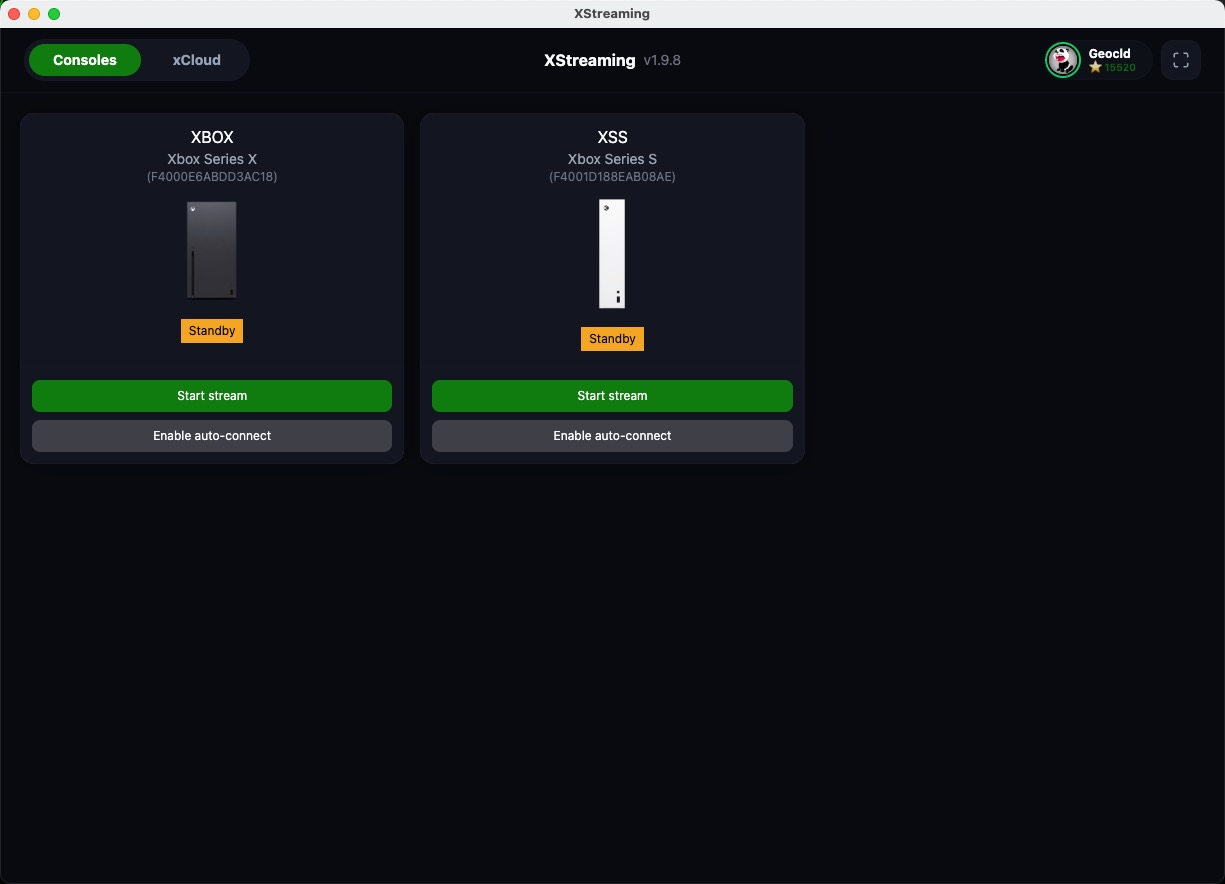
Read our comprehensive review of XStreamingDesktop, the premier tool for streaming Xbox games and accessing Xbox Cloud Gaming on your Linux desktop.
Unleashing Xbox Remote Play on Linux
Linux gamers often face hurdles when trying to access console-exclusive ecosystems, but XStreamingDesktop Xbox streaming bridges that gap seamlessly. Developed by Geocld, this specialized communication and streaming utility is engineered to bring your entire Xbox library directly to your Linux setup. Whether you are looking to stream directly from your local console or dive into cloud-hosted titles, this application provides a robust, native-feeling solution without the need for complex workarounds.
High-Performance Xbox Streaming Features
What sets this tool apart is its dedication to high-fidelity playback and input accuracy. It bypasses the traditional limitations of browser-based streaming to deliver a highly optimized console experience on desktop hardware.
- Full HD Quality: Enjoy your favorite titles with crisp 1080p (HQ) resolution support, ensuring visual clarity during intense gameplay.
- Console-to-Screen Streaming: Effortlessly stream audio and video directly from your local Xbox One or Xbox Series X/S console.
- Advanced Controller Support: Play your way with support for virtual, external, and Bluetooth controllers, complete with immersive rumble/vibration feedback.
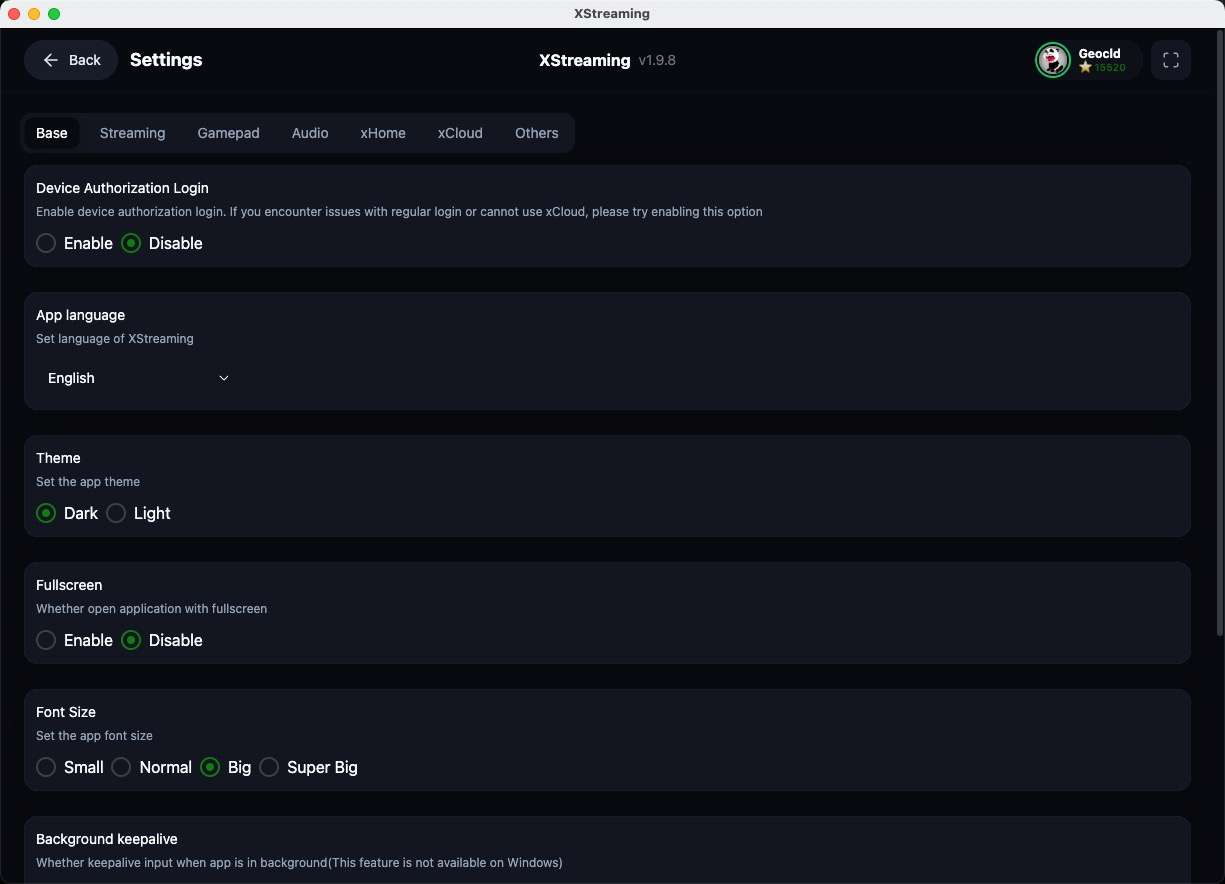
- Customizable Inputs: Tailor your setup with precise controller button mapping to match your personal playstyle.
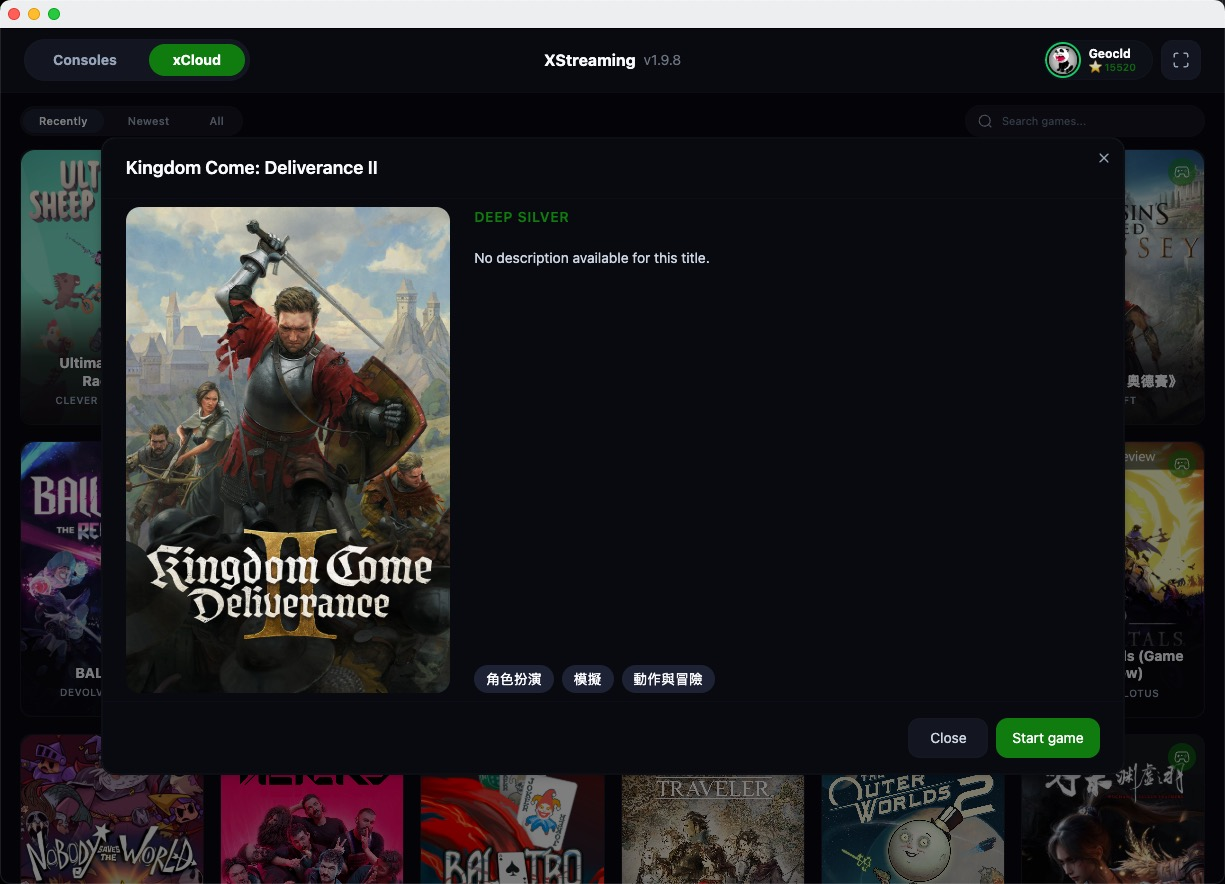
- Proxy-Free Cloud Play: Access your Xbox Game Pass Ultimate library via XCloud directly, without needing complex proxy configurations.
Who Is This Linux Streaming Utility For?
If you are a Linux enthusiast who wants to enjoy high-quality console gaming without dual-booting into another operating system, this application is a perfect fit. It caters directly to players who demand low-latency input, reliable gamepad vibration, and straightforward configuration. By focusing on the unique architecture of Linux systems, it delivers a streamlined interface that handles both local network streaming and cloud-based gaming with equal efficiency.
Enhance Your Gaming Setup Today
For those looking to merge their console library with an open-source desktop environment, XStreamingDesktop Xbox streaming offers an elegant, high-performance solution. To explore this software further and add it to your system, head over to the official Flathub store page to get started.