

eOVPN
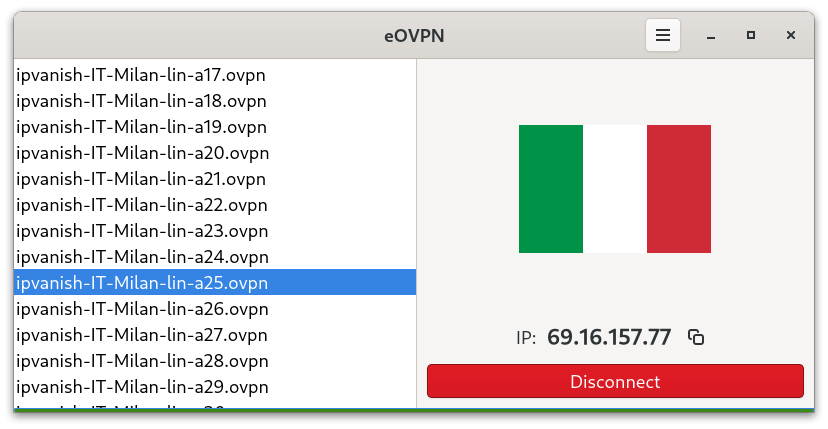
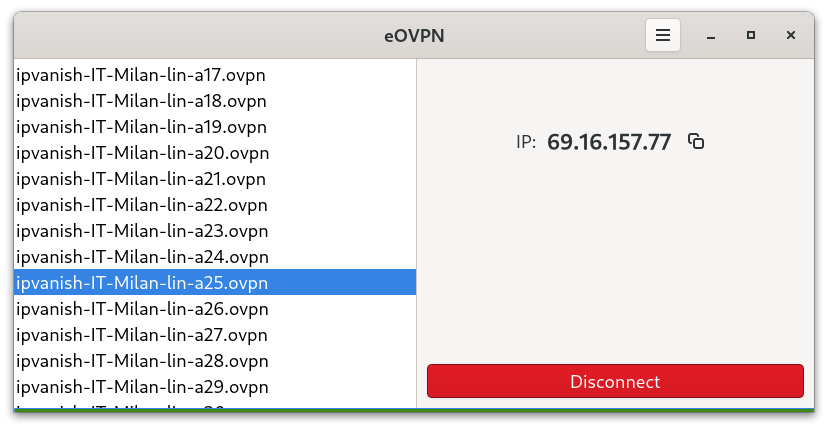
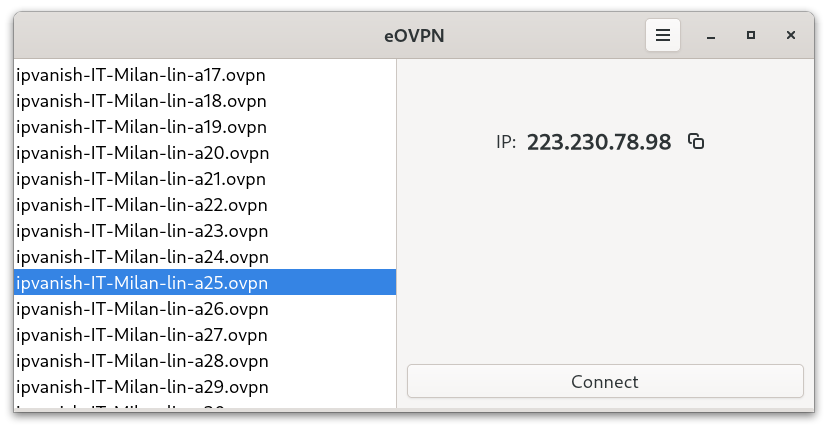
Read our comprehensive review of eOVPN, the specialized OpenVPN configuration manager for Linux. Learn how it simplifies remote network connection management.
For Linux users who rely on secure network tunnels, the eOVPN OpenVPN configuration manager offers an elegant solution to a common administrative headache: manually handling multiple virtual private network profiles. Developed by Jagadeesh Kotra, this dedicated utility streamlines how you import, organize, and execute your secure connection profiles on desktop Linux systems.
The Core Purpose of the eOVPN OpenVPN Configuration Manager
Typically, managing OpenVPN profiles involves juggling various .ovpn files, certificates, and authentication keys across different directories. The eOVPN OpenVPN configuration manager simplifies this entire workflow by providing a clean graphical user interface to centralize your secure profiles. Instead of relying on complex terminal commands or generic network managers that may lack specific OpenVPN parameters, this utility acts as a focused control hub for your secure connections.
Key Features and Capabilities
- Remote Zip Updates: One of the standout features of this application is its ability to fetch and update configurations directly from remote
.ziparchives. This is incredibly useful for organizations or individuals whose VPN server endpoints change frequently. - Centralized Profile Management: Easily organize multiple connection profiles within a single, unified interface, allowing you to switch between different secure networks with minimal effort.
- Streamlined Linux Integration: Built specifically for the Linux platform, the application respects system-level configurations while offering a straightforward, user-friendly control panel.
Who is this Application For?
If you are a remote professional, a system administrator, or a privacy-conscious Linux user who frequently switches between different OpenVPN servers, this tool is designed for you. It eliminates the tedious task of manually editing configuration files whenever your VPN provider updates their server list. By automating the extraction and update process from remote ZIP archives, it saves valuable time and reduces the risk of configuration errors.
An Efficient Workflow Companion
While many general-purpose network managers exist, they often treat VPN protocols as an afterthought. This application focuses exclusively on OpenVPN, ensuring that specific features like remote profile synchronization are handled flawlessly. It bridges the gap between raw terminal efficiency and graphical convenience, making secure networking accessible to users of all technical levels.
To learn more about this utility or to install it on your system, visit the official Flathub store page via the eOVPN download page to get started.