
One Game Launcher
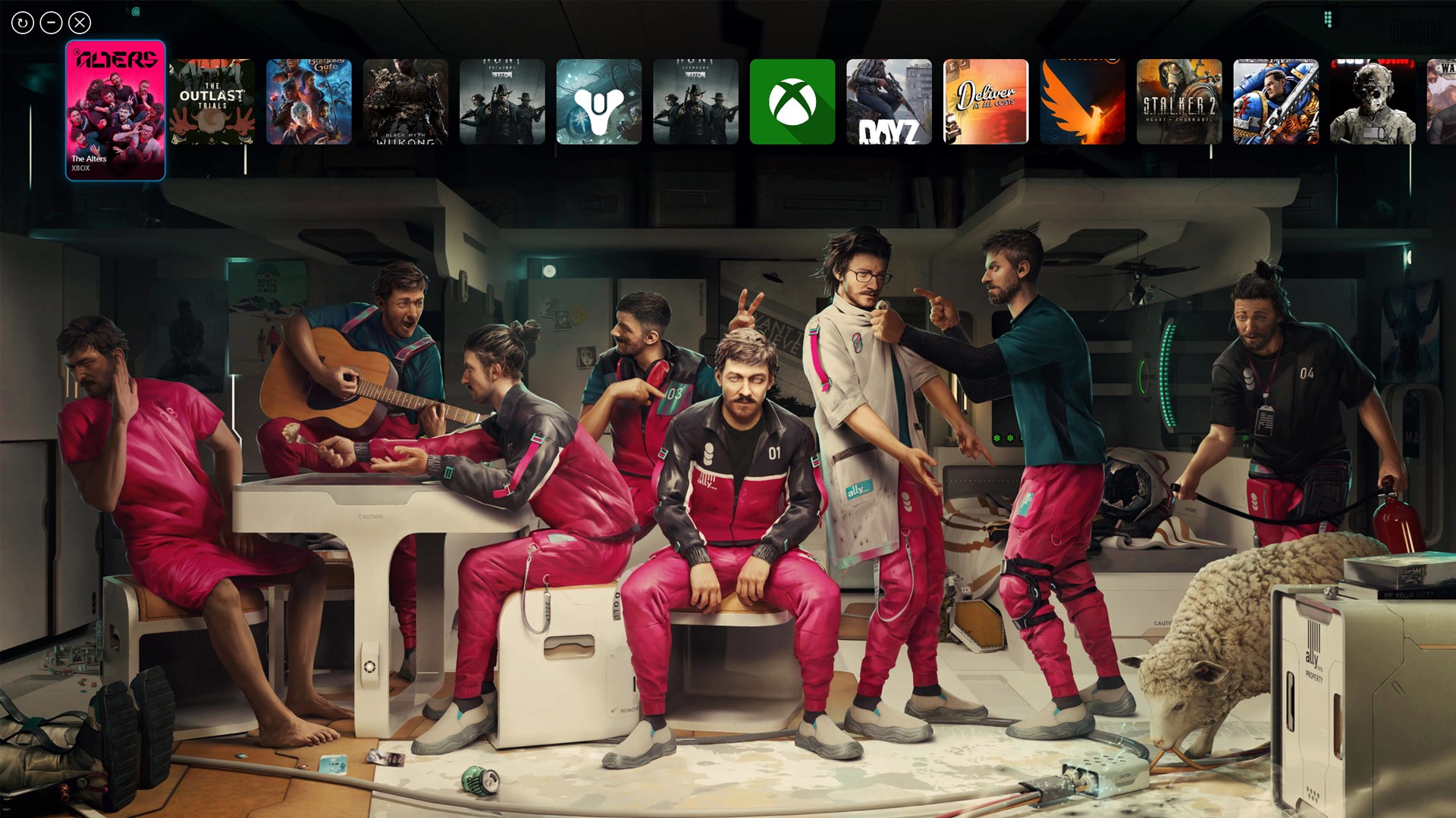
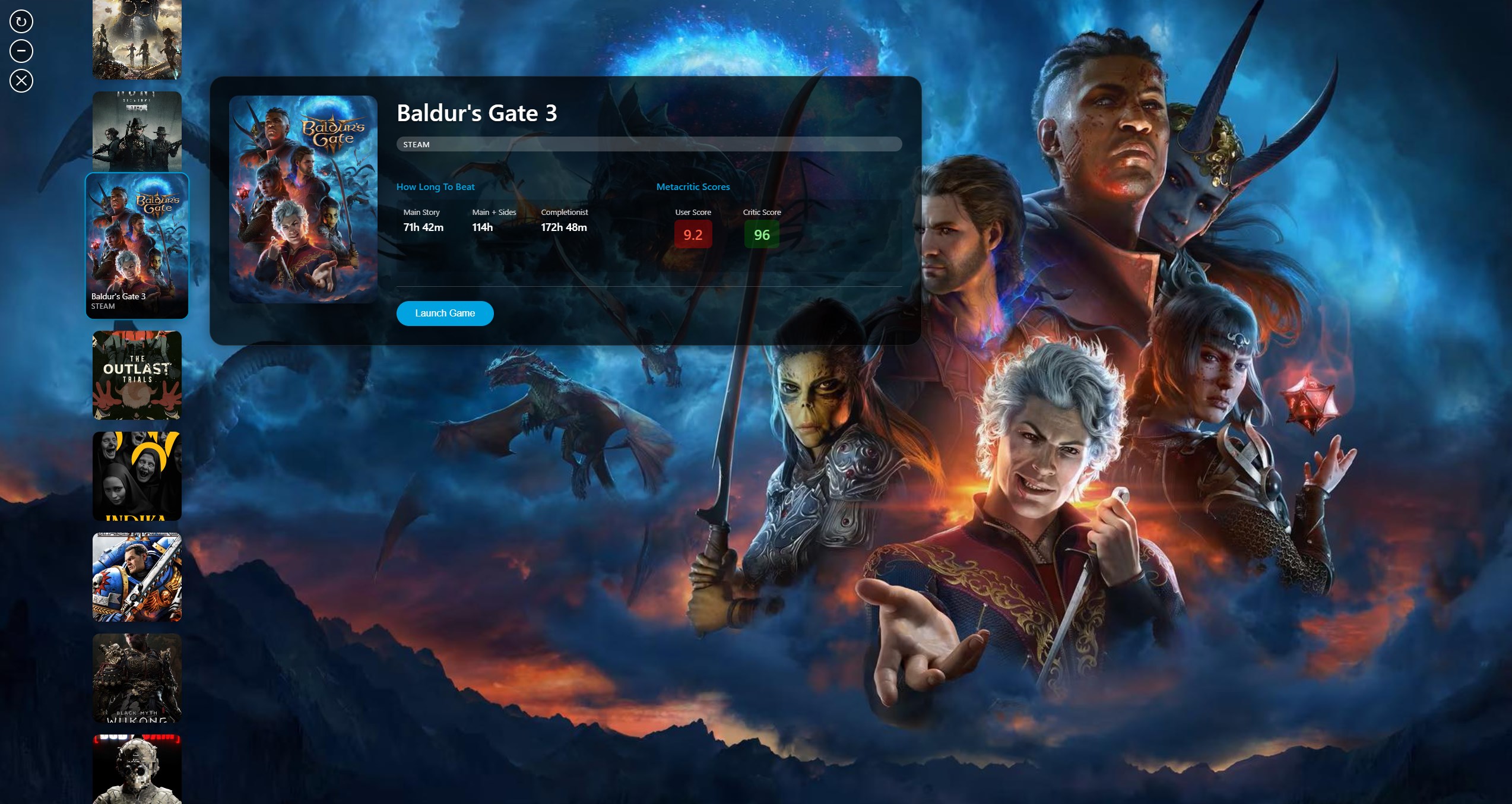
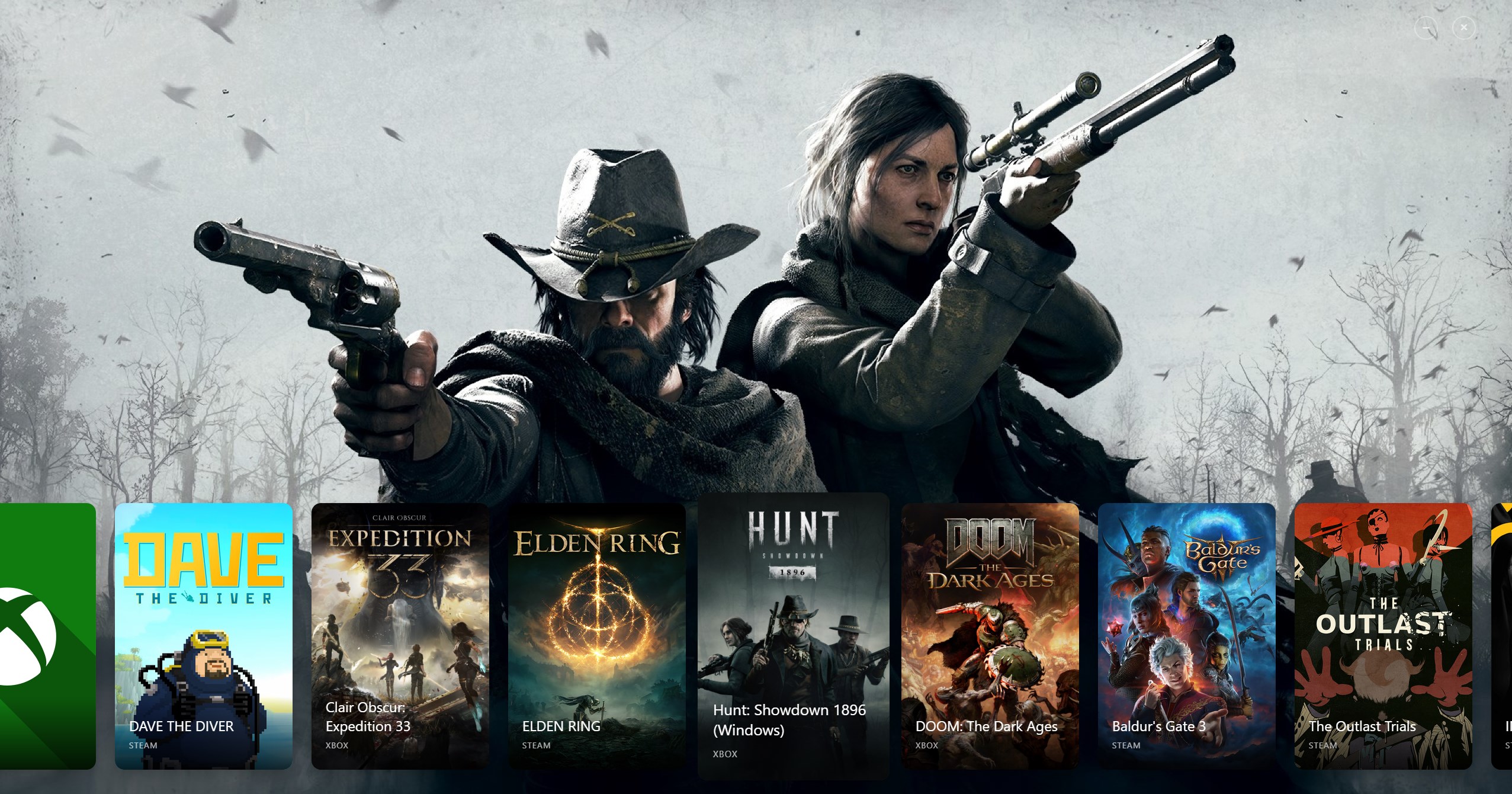
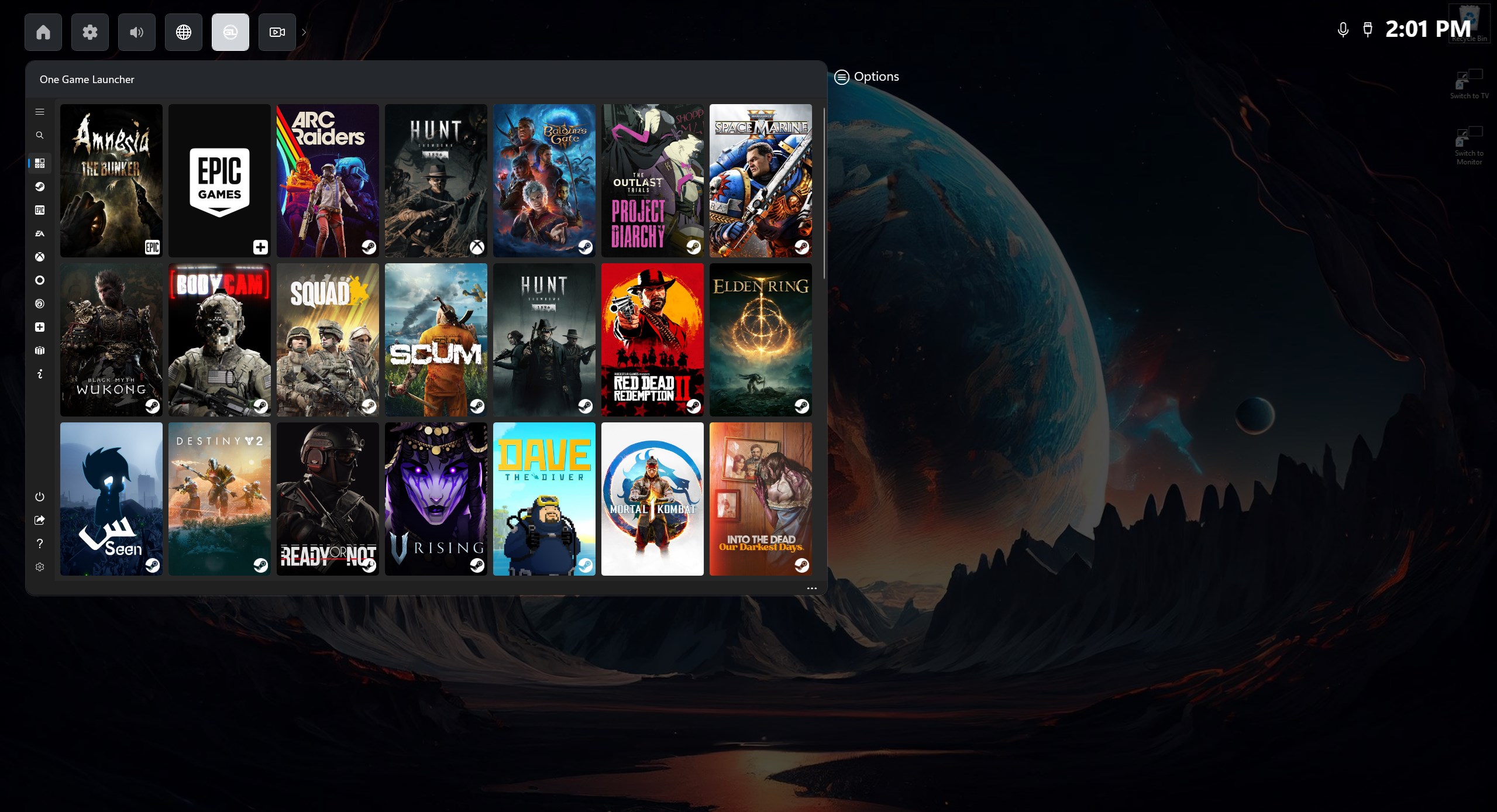
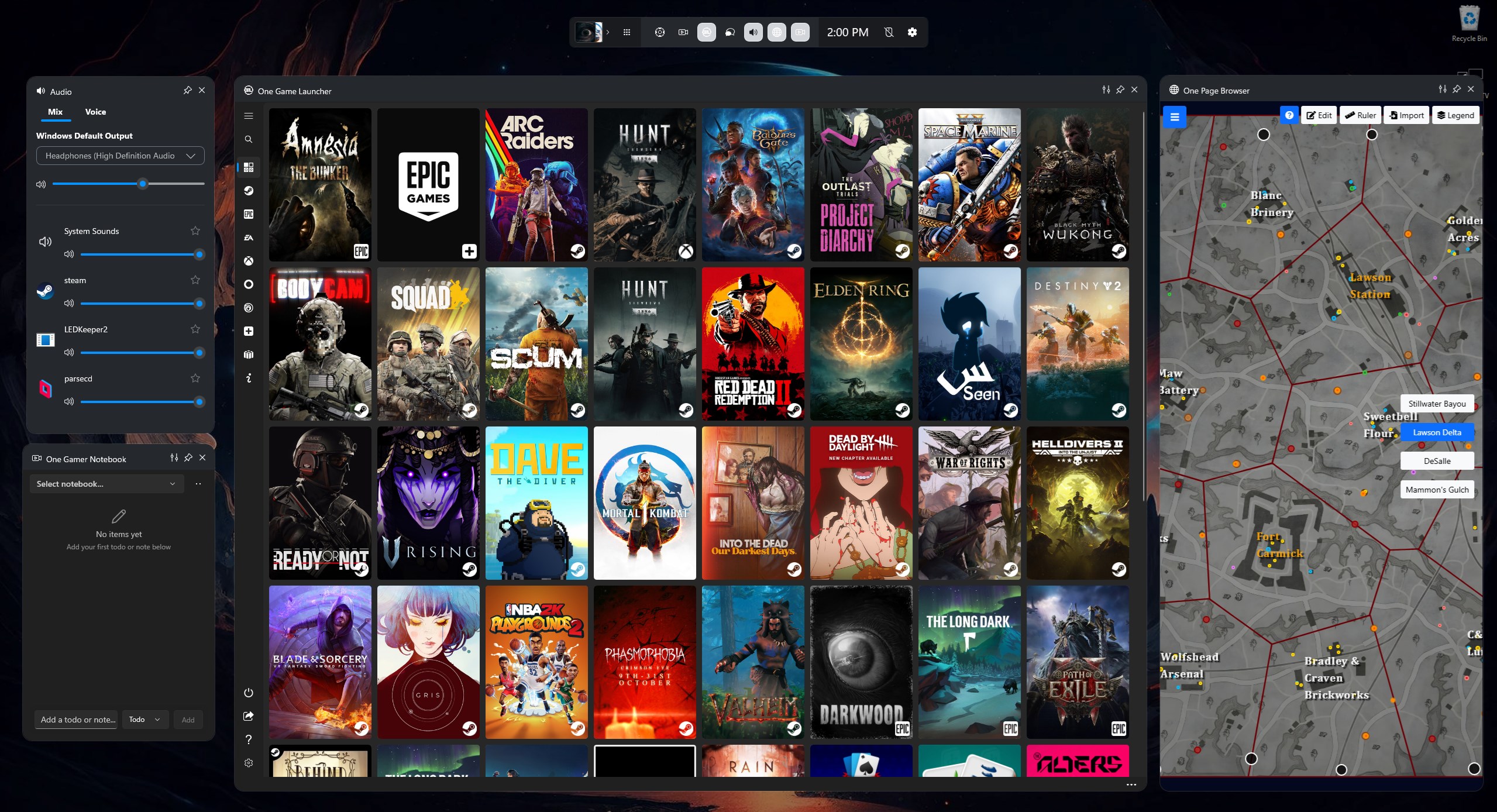
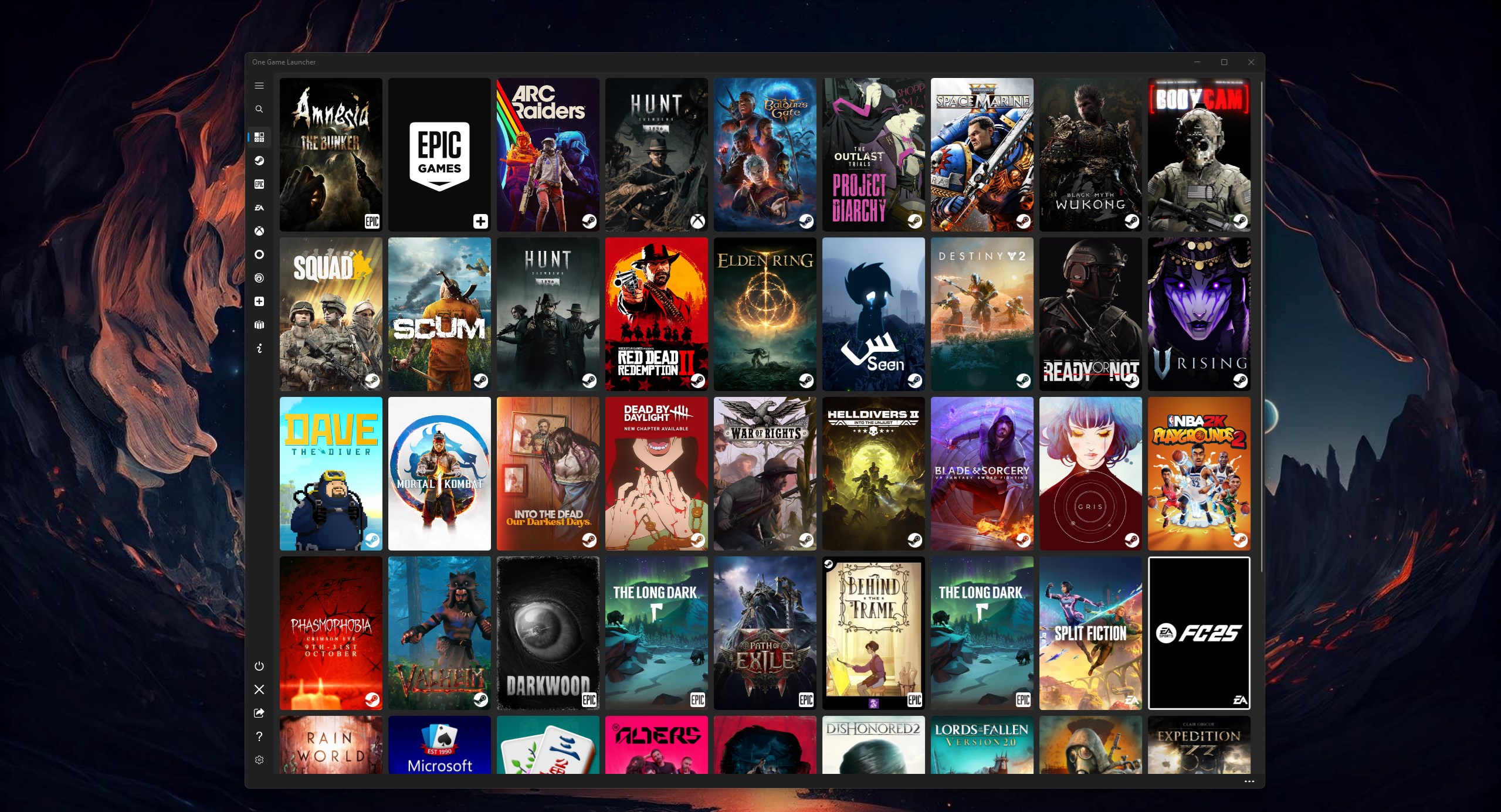
Read our comprehensive review of One Game Launcher, the ultimate PC game organizer that brings a seamless console-like experience to your Windows system.
The Ultimate Solution for Fragmented PC Gaming Libraries
For PC gamers, managing multiple storefronts is a constant hassle. Between Steam, Epic Games, EA, GOG, Ubisoft, and Xbox, your game library is scattered across several resource-heavy clients. One Game Launcher PC game organizer solves this fragmentation by consolidating all your installed titles into a single, highly accessible interface designed specifically for controller or keyboard and mouse navigation.
Unlike traditional launchers that run in the background consuming system memory, this utility integrates directly with your Windows environment. It functions both as a standard desktop application and as a compact widget inside the Windows Game Bar overlay, allowing you to access your entire library instantly mid-game.
Consolidated Access Across Major Storefronts
The primary strength of the One Game Launcher PC game organizer lies in its broad ecosystem compatibility. Instead of opening individual store clients to find what you want to play, the launcher automatically indexes and organizes titles from major platforms, including:
- Steam and Epic Games Store
- EA Play, Origin, and Ubisoft Connect
- GOG Galaxy and Battle.net
- Xbox App (PC) and Microsoft Store titles
- Custom manual entries for retro emulators, standalone executables, or web URLs
Bringing the Console Interface to Windows
If you play PC games on a TV or a handheld device, navigating Windows with a mouse and keyboard can be frustrating. This application bridges the gap by offering robust controller-first navigation. By pressing the Xbox button on your controller or using the Win+G keyboard shortcut, you can open the Game Bar widget and launch any game using gamepad controls. Features like RB and LB page navigation, gamepad-to-mouse emulation for non-supported menus, and customizable controller macros make couch gaming truly seamless.
Personalized Styling with AI Integration
Visual customization is simple with the built-in MYUI styling system. Users can build custom themes easily, or even leverage Microsoft Copilot AI integration to generate bespoke visual schemes by simply describing their desired aesthetic. This makes styling your interface accessible regardless of design experience.
Pros and Cons
- Pros: Excellent Game Bar integration; native gamepad navigation with custom macros; supports all major PC storefronts; lightweight resource footprint.
- Cons: Exclusively optimized for Windows platforms; advanced macro setup has a minor learning curve.
Is It Right For You?
If you are tired of switching between half a dozen launchers or want a streamlined, controller-friendly interface for a home theater PC or gaming handheld, the One Game Launcher PC game organizer is an exceptional utility. It simplifies library management without adding unnecessary bloat to your operating system.
To try out this launcher and unify your setup, head over to the official Microsoft Store to explore its features and integrate it into your Windows gaming environment.