
Easy - Puzzle Maker
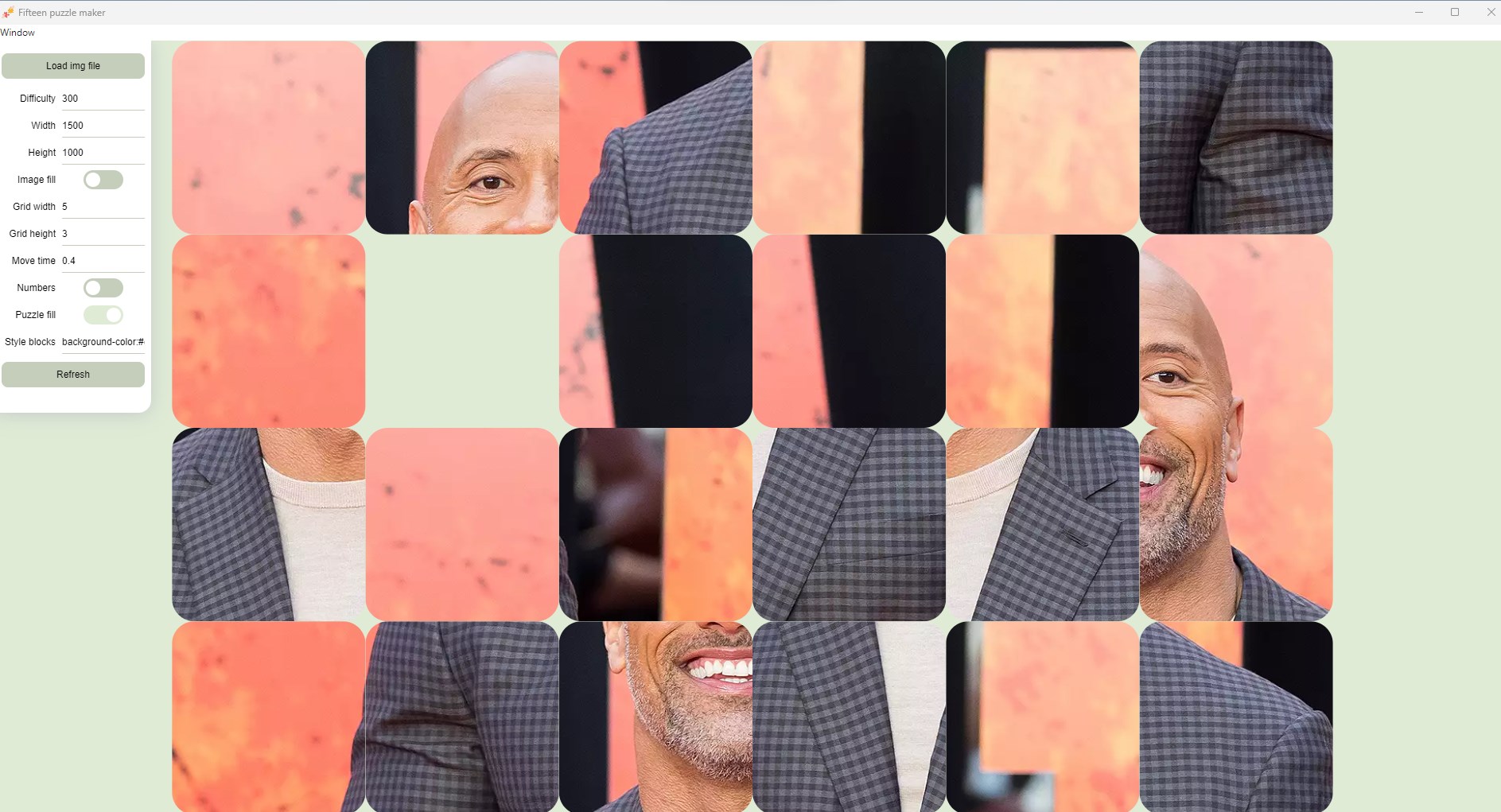
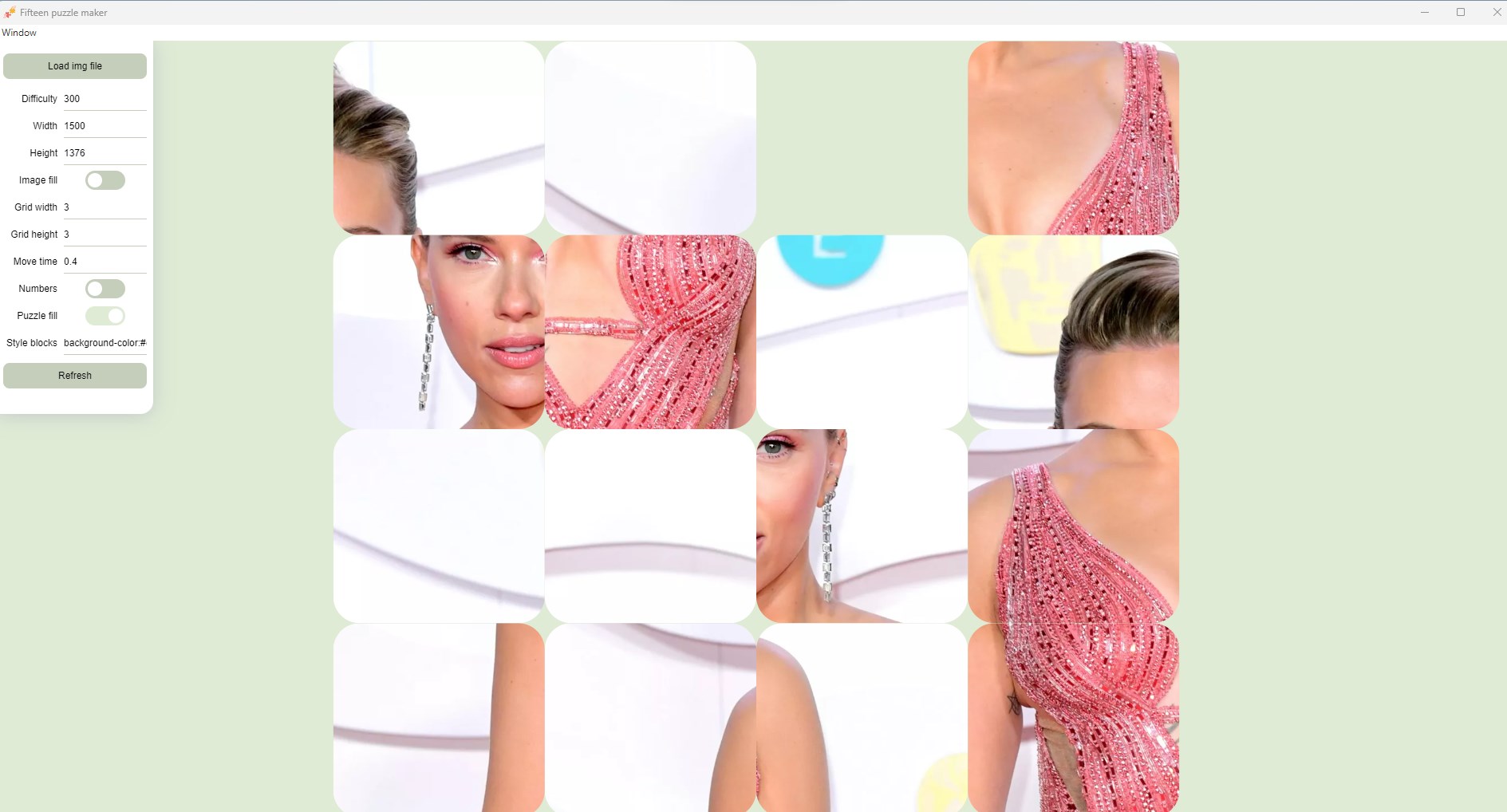
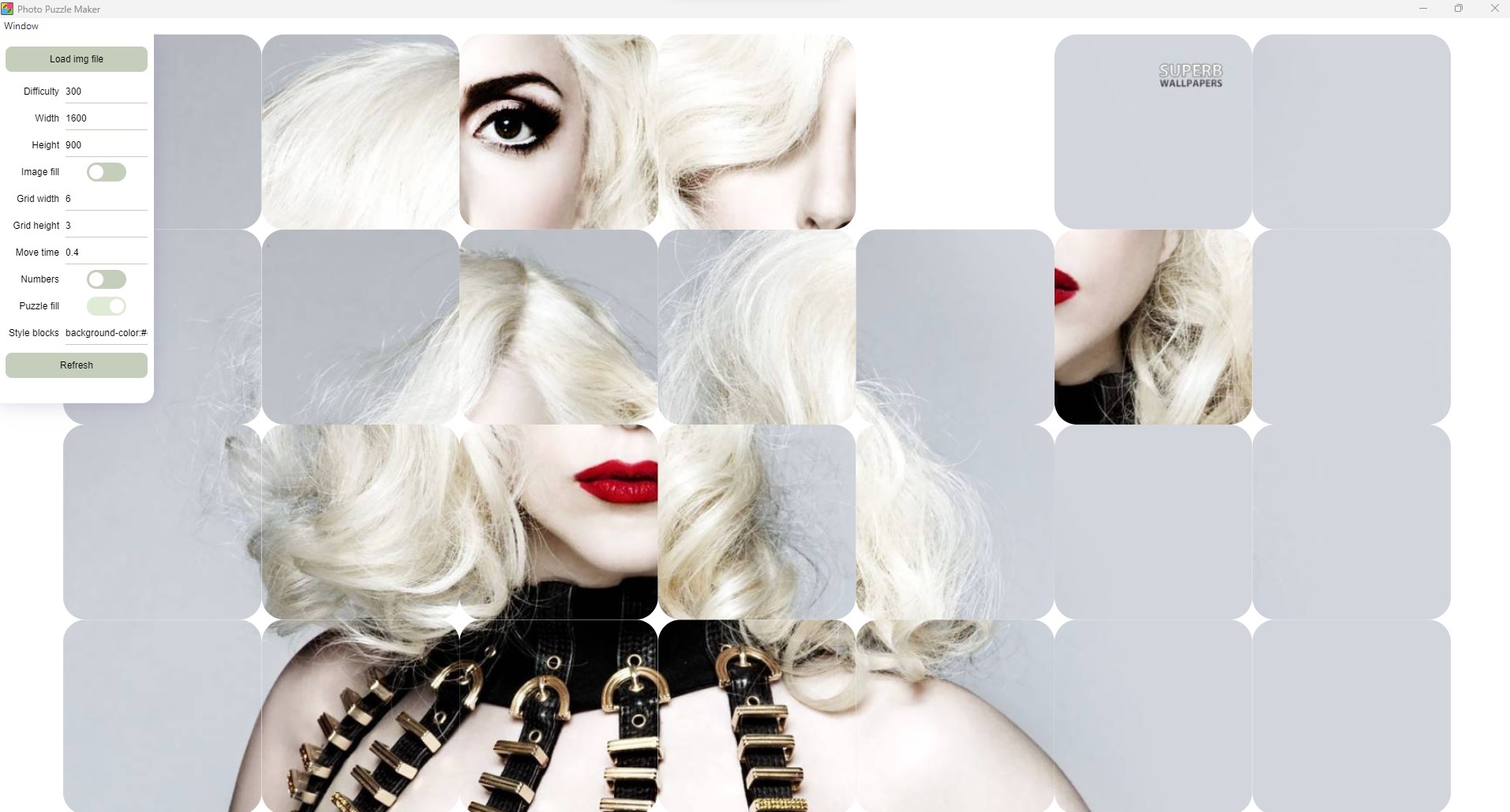
Discover how the Easy - Puzzle Maker Windows app transforms your favorite digital photos into custom jigsaw puzzles. Read our full editorial review here.
Convert Your Digital Memories into Interactive Jigsaws
We all have hundreds of cherished photos sitting forgotten in digital folders—vacation snapshots, family portraits, and pet pictures that rarely get a second look. If you are searching for a creative way to interact with your personal gallery, the Easy - Puzzle Maker photo puzzle creator offers an elegant, interactive solution. Instead of letting your favorite memories gather digital dust, this Windows application breathes new life into them by transforming your images into custom jigsaw puzzles.
How the Easy - Puzzle Maker Photo Puzzle Creator Works
Designed by Sial Developers, this application prioritizes simplicity and user engagement. It strips away complex editing menus to focus entirely on seamless conversion. Here is how the process unfolds:
- Simple Image Upload: Import any compatible image format directly from your Windows PC storage using the highly intuitive interface.
- One-Click Transformation: Hit the dedicated 'Puzzle' button to instantly convert your uploaded photo into a dynamic brain teaser.
- Personalized Play: Enjoy a unique, nostalgic spin on traditional tabletop jigsaw puzzles using your own life experiences as the canvas.
Who Is This Desktop Application For?
The Easy - Puzzle Maker photo puzzle creator is an excellent fit for casual gamers, parents looking for personalized educational activities for their children, and anyone seeking a relaxing, mindful break during the workday. Because it uses your own imported media, the difficulty and emotional connection of every puzzle are entirely up to you. It bridges the gap between passive photo viewing and active, brain-stimulating entertainment.
An Intuitive, No-Fuss Windows Experience
In a software landscape often cluttered with subscription models and overly complicated feature sets, this utility stands out for its single-minded focus. It does exactly what it promises: turns images into interactive games without a steep learning curve. If you are ready to start puzzling with your own family photos, landscapes, or digital art, you can find more details and acquire the application directly from the official Microsoft Store page.