

WebBall Browser
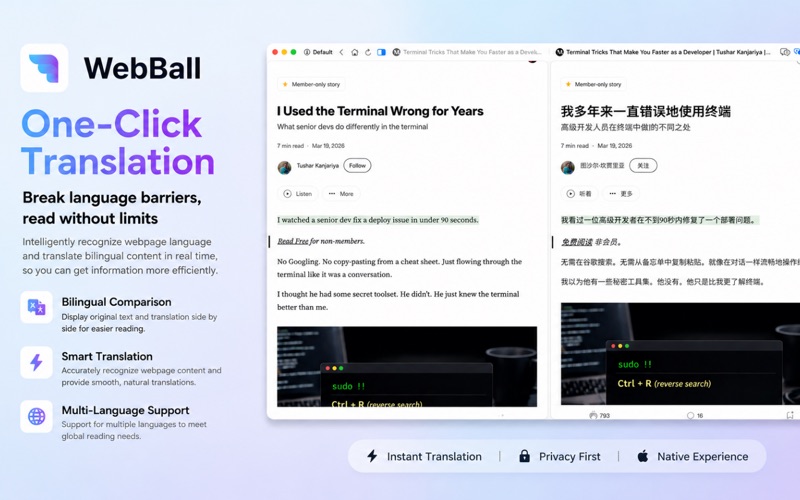
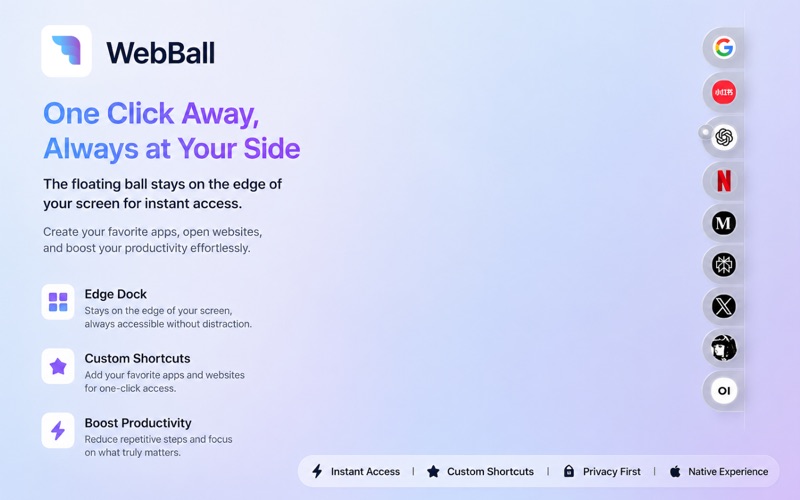
Read our comprehensive review of WebBall Browser for Mac, a unique floating-ball utility designed to streamline multitasking and boost macOS productivity.
Most desktop browsers demand your full attention, occupying massive screen real estate and forcing you to constantly toggle between overlapping windows. The WebBall Browser productivity tool challenges this traditional workflow by introducing a persistent, elegant floating-ball interface designed exclusively for macOS. Developed by 伟 陈, this utility docks subtly at the edge of your display, ready to expand into a fully functional workspace with a single click.
What is the WebBall Browser Productivity Tool?
At its core, this software is a native macOS application built with SwiftUI, ensuring it matches the aesthetic and performance standards of the Apple ecosystem. Instead of running as a standard heavy window, it lives as a compact floating icon. When tapped, it reveals your curated shortcut hub of essential websites, web apps, and digital workspaces, keeping your most-used online tools constantly within arm's reach.
Key Features for Enhanced macOS Workflows
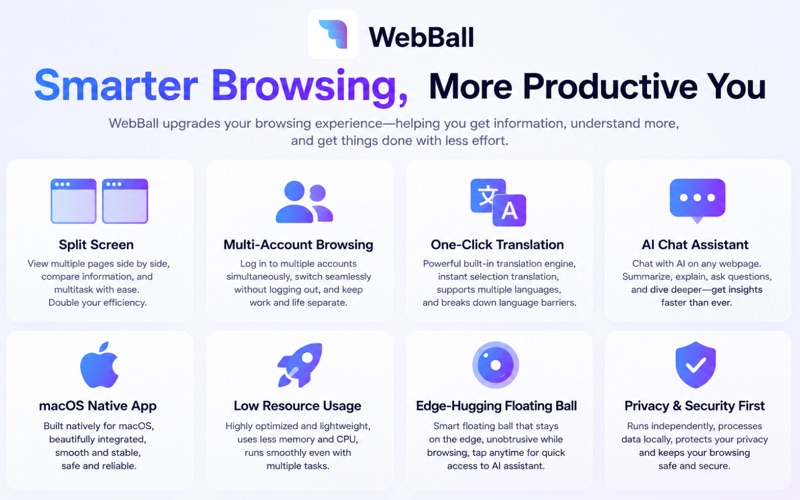
- Edge-Docking Floating Ball: The signature interface element stays out of your way during deep-focus work but activates instantly when hovered or clicked, eliminating the friction of window switching.
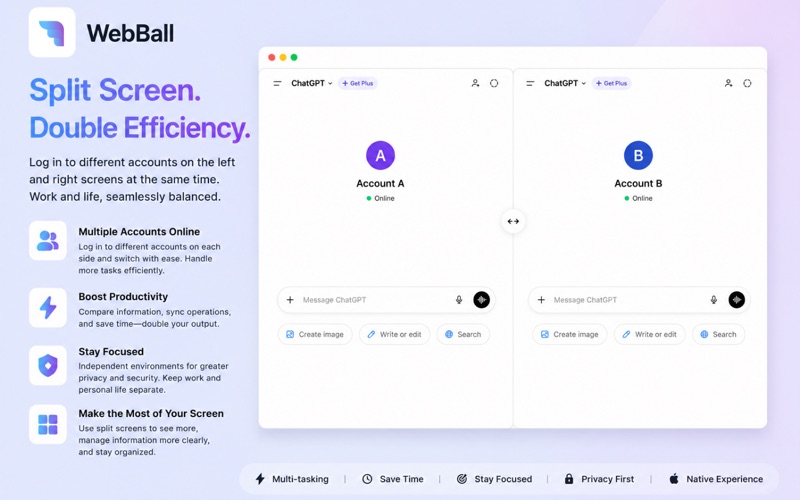
- Dual-Page Split-Screen: Compare documents, cross-reference data, or monitor live feeds side by side within a single, streamlined interface.
- Isolated Multi-Account Environments: Run multiple digital identities simultaneously. You can log into different accounts on the same platform without cookie conflicts, keeping your professional and personal lives strictly separated.
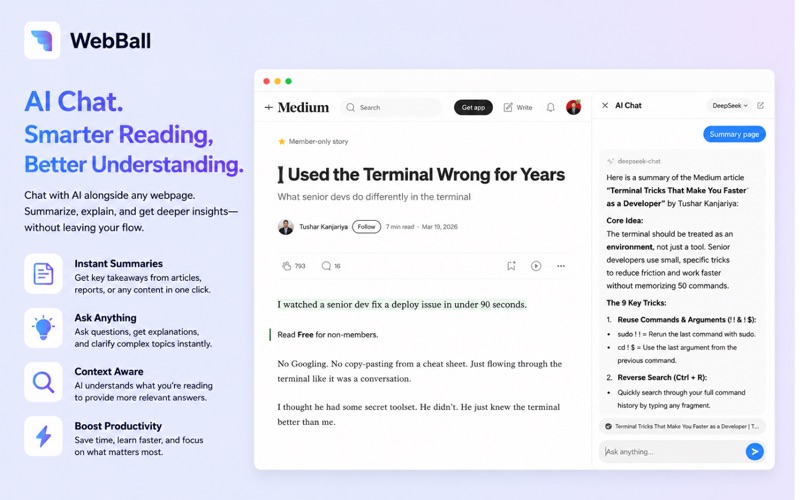
- Integrated AI Reading Assistant: Summarize lengthy articles, extract key insights, and ask contextual questions directly from a built-in AI panel that supports various service providers.
- Native macOS Optimization: Built on SwiftUI, the browser respects system resources, offering low memory usage, dark mode support, custom window layering, and launch-at-startup configurations.
Who is WebBall For?
This browser is ideal for professionals, researchers, and multitaskers who find traditional tab management overwhelming. If you constantly need to refer to reference material, manage multiple social media or SaaS accounts, or want a quick-access portal for web-based tools without cluttering your main monitor, this specialized workspace offers a highly efficient solution.
Verdict: A Smarter Way to Browse on Mac
By reimagining how we access web content on desktop operating systems, this application offers a fresh, distraction-free alternative to bloated browser setups. It serves as an excellent companion utility alongside your primary browser, dedicated to the web apps you use most frequently throughout the work day.
To experience this innovative floating workspace firsthand, head over to the official Mac App Store to download the application directly onto your macOS device.